

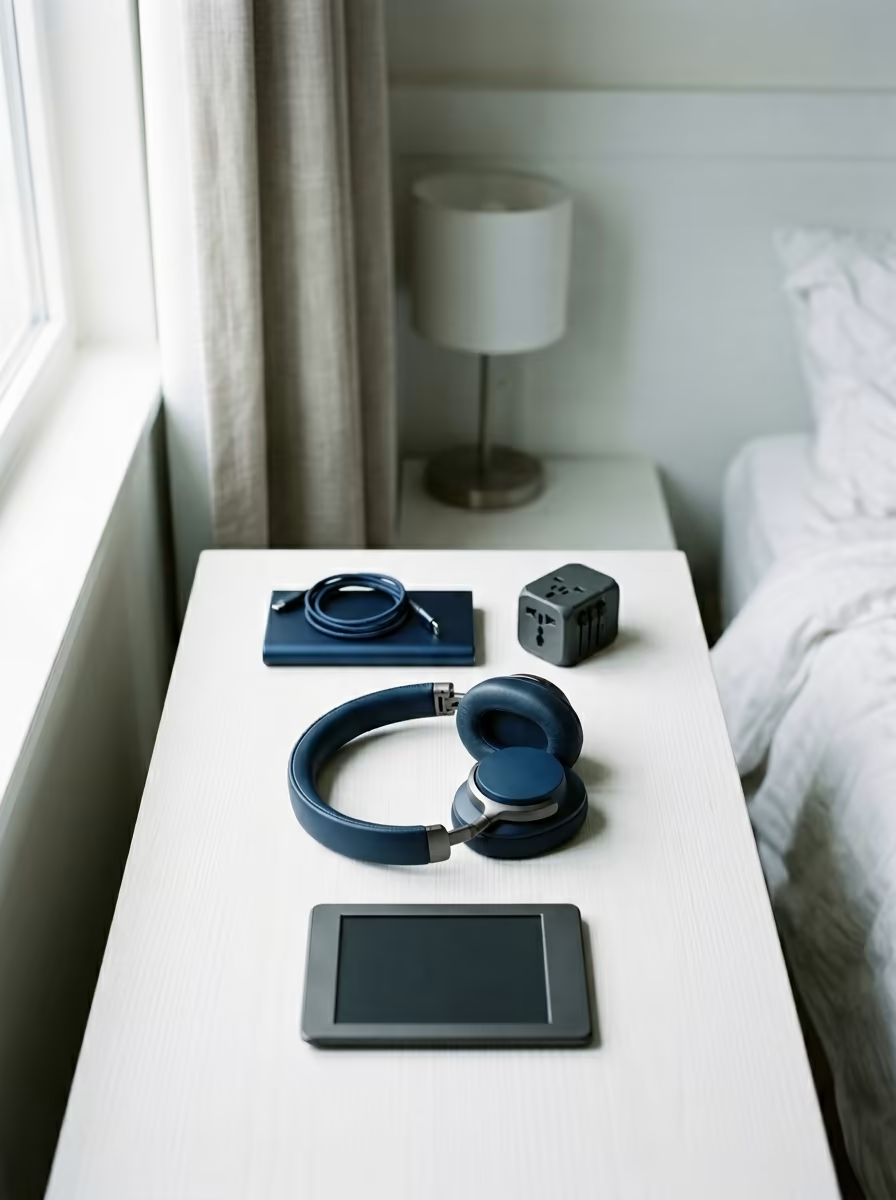
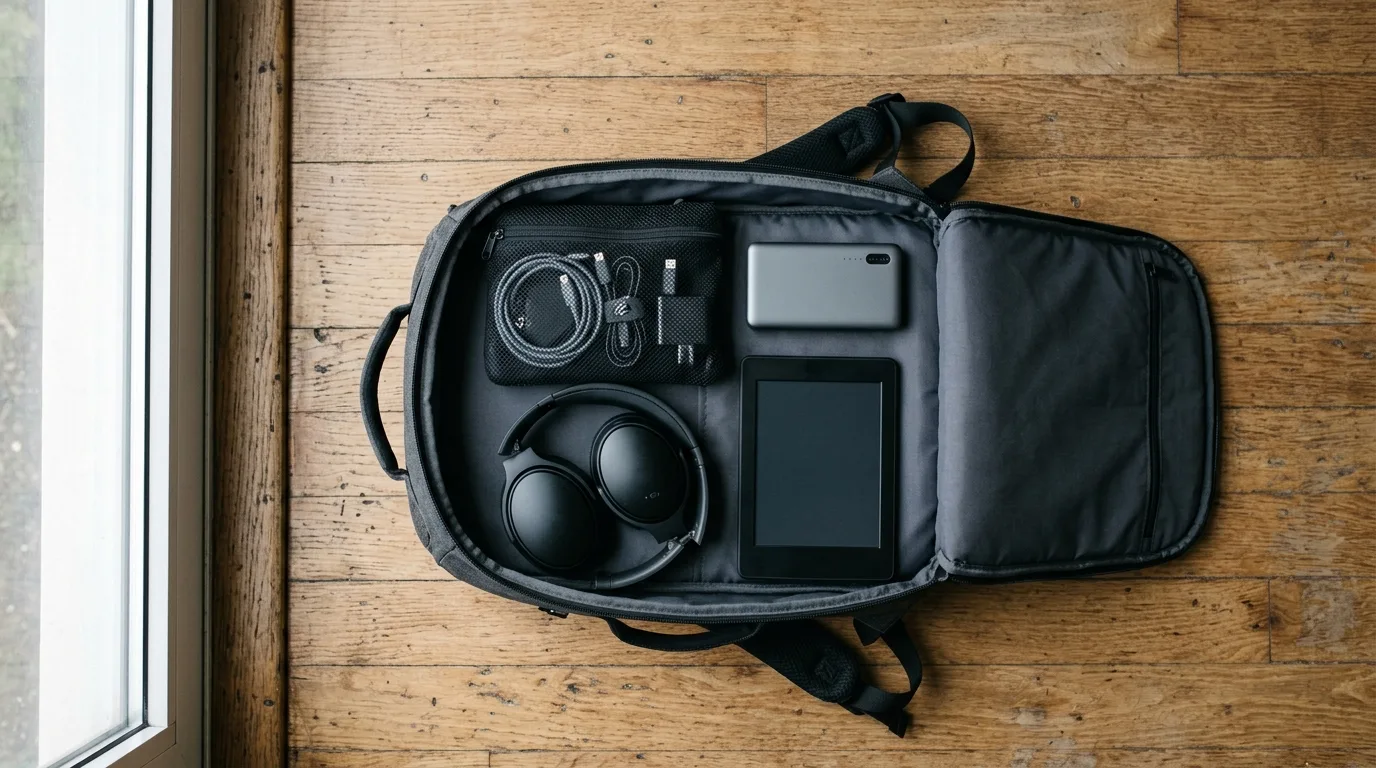
I have a friend who travels with a packing cube dedicated entirely to tech accessories. Adapter to USB-C to Lightning. An HDMI cable for hotel TVs. A Kindle, plus a tablet, plus a phone. Two portable chargers. A dedicated travel router. A white-noise machine. A webcam for remote calls. A laptop sleeve in a color he bought specifically for travel.
I have asked him, multiple times, whether he actually uses all of it. He thinks about it. He says the travel router was great once, in Seoul. The webcam has never come out of the bag. The HDMI cable, never. The white-noise machine, yes, but he acknowledges a pillow over the head accomplishes the same thing.
The travel tech market is phenomenally good at selling solutions to problems that don't exist, or that cheaper, simpler alternatives already solve. This guide is my attempt at an honest inventory: the six things that genuinely earn their weight on any trip, the reasoning behind each, and a frank assessment of what you can leave behind.
Two questions every gadget has to survive
Every piece of travel tech should pass a two-part test: Does it solve a problem I will actually encounter? And is it the lightest, simplest solution to that problem?
The first part of the test is where most gadgets fail. Travel routers are genuinely useful in the specific situation where you're spending a week in a hotel with a wired ethernet port and unreliable WiFi. For most travelers, that's one trip in twenty. Webcams are genuinely useful for frequent remote workers on the road. For most leisure travelers, built-in laptop cameras work fine for the one video call they make. The problem is that travel marketing describes these products in terms of the best-case scenario (the trip where you needed it) and not the twenty trips where it sat in the packing cube.
The second part of the test eliminates redundancy. If your phone already does something (plays music, takes notes, reads ebooks), carrying a dedicated device for that function needs a meaningful justification: usually battery life, screen size, or depth of functionality. "It's nicer to read on" is a justification. "It's more convenient" when your phone is already in your pocket is not.
Apply this test before buying anything and before packing anything, and the tech packing cube reduces to a zip-lock bag.
The short list, in order of what breaks a trip
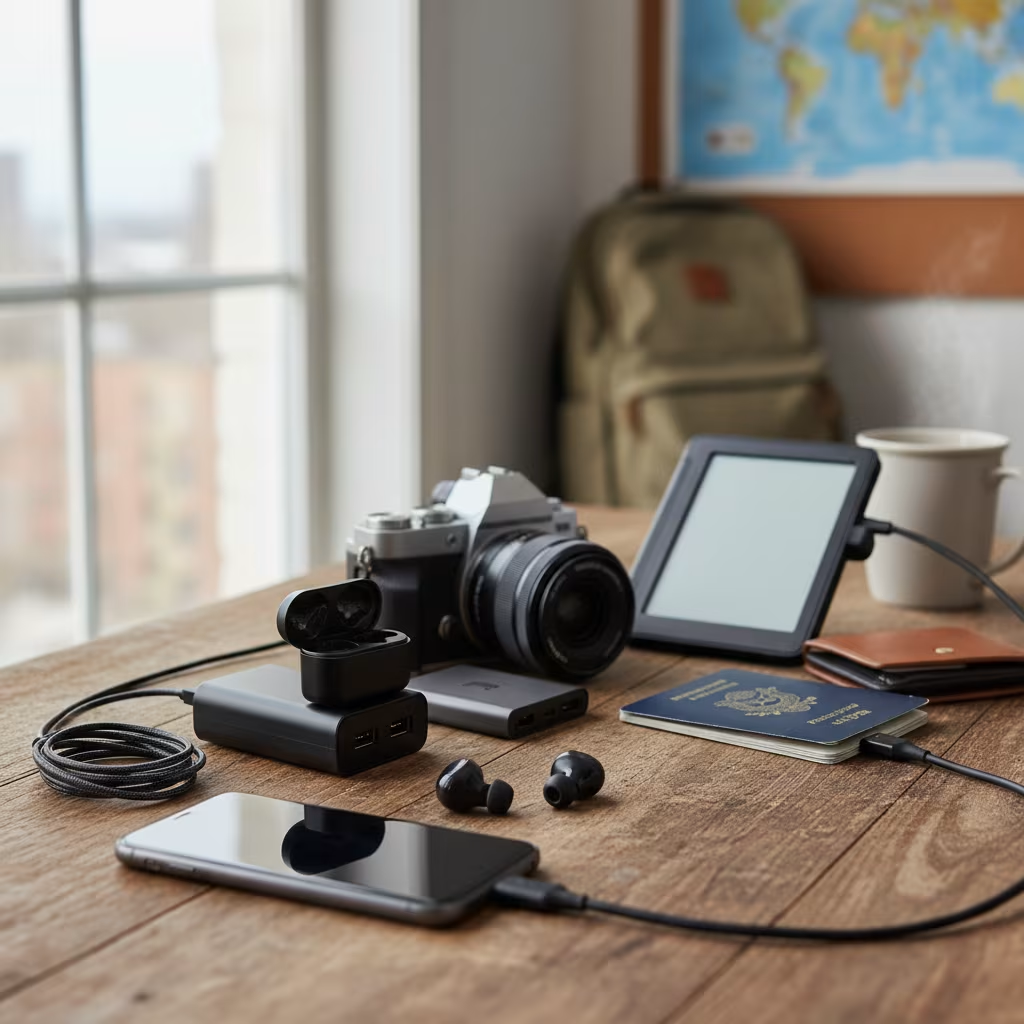
1. eSIM capability, or a multi-country SIM plan.
Connectivity is the non-negotiable foundation of modern travel. Getting lost used to mean stopping someone and asking; now it means pulling up Maps. A medical emergency used to mean finding a payphone; now it means calling from wherever you are. If your phone supports eSIM (most phones made after 2019 do), set up an Airalo or Holafly plan before you leave home. For a month of regional data coverage across most major travel regions, you're looking at $20–30. If your phone doesn't support eSIM, buy a local SIM at your first destination: the connectivity cost-benefit is too significant to rely on hotel WiFi.
2. A portable charger with at least 10,000mAh capacity.
Long travel days (arriving in a new city, navigating transit, using Maps heavily) can drain a phone battery entirely before you've found your accommodation. A 10,000mAh charger provides approximately two full charges for a modern smartphone. The Anker PowerCore Slim 10000 (140g, roughly $25) is the standard recommendation for a reason: it's flat enough to carry in a jacket pocket, charges via USB-C, and is reliable. Anything over 20,000mAh will be flagged or confiscated by some airlines in carry-on; 10,000–15,000mAh is the safe zone.
3. A universal adapter with USB-C ports built in.
Not a bag of adapters for different regions, but a single universal adapter that covers all four major outlet types (A, C, G, I) and includes two or three USB-A and USB-C ports so you're charging multiple devices from one adapter. The Epicka Universal Travel Adapter and the Bestek version are both reliable. The key feature: USB-C output capable of 65W+ for fast-charging a laptop. This replaces two or three items that travelers typically pack separately.
4. Noise-cancelling headphones.
Specifically, over-ear noise-cancelling headphones, not earbuds, for long travel. Long-haul flights produce sustained low-frequency drone noise (around 85–90 decibels) that earbuds without active noise cancellation do not meaningfully reduce. True active noise cancellation significantly reduces listening fatigue on overnight flights and makes sleep more achievable. Sony WH-1000XM5 and Bose QuietComfort 45 are the benchmarks; both fold flat. If you're committed to earbuds, the AirPods Pro and Sony WF-1000XM5 both have genuinely effective ANC, but for a 12-hour flight, over-ear is still better.
5. A small-capacity e-reader.
Kindle Paperwhite (or equivalent), not a tablet, specifically an e-reader. The case for this as a separate device from your phone: the e-ink screen is readable in direct sunlight (critical for beach and outdoor trips), the battery lasts weeks rather than hours, and the device profile allows you to read without the notification and attention-fragmentation problem of using your phone. The psychological value of a dedicated reading device, one that only does one thing, is often underestimated by people who've never used one on a long trip. Load it with ten books before you go.
6. A small packing cube or zip-lock bag dedicated to cables.
This isn't tech itself, but it changes how tech works on the road. Every cable in its own zip-lock goes in the same place every time. No hunting for the right cable, no knotted mess at the bottom of the bag. The discipline of a dedicated cable bag also surfaces redundancy: if the bag requires two USB-C cables and a micro-USB, that micro-USB device is probably not worth carrying.
Three weeks in Japan without a local SIM
Three weeks in Japan without a local SIM. A travel companion of mine tried to manage on hotel WiFi and occasional café networks. He missed a train connection because he couldn't load Maps in the station. He paid ¥3,000 for a terrible meal because he couldn't look up the recommended place three blocks away. He missed a day ticket deal because the booking link sent by our hotel friend didn't load. He bought a local SIM on day five. The remaining sixteen days were different.
Night bus from Lima to Cusco with earbuds only. An overnight bus through the Andes is loud: diesel engine, unpaved sections, fellow passengers. I used to travel with earbuds only and found I arrived in Cusco already tired from the audio environment of the journey. Bringing over-ear noise-cancelling headphones for the first time on this route produced, measurably, a better arrival: calmer, more rested, ready to be in Cusco.
The photographer who brought a tablet and a phone. She used the tablet for editing photos in the field and found that the phone's editing app (Lightroom Mobile) did everything the tablet did, in a device she was already carrying. The tablet came home from three trips untouched and was removed from the packing list. The weight saving: 500g.
Gear you will carry and never use
Bringing a dedicated travel router. Unless you're working remotely from hotels with wired-only internet for multiple weeks, you will not use this. A mobile hotspot from your phone or a well-chosen eSIM plan solves the same problem.
Packing a laptop for trips where a phone suffices. If your travel doesn't require content creation or specific software, the phone does everything: maps, email, booking, reading, music, photography. Know your actual use case before defaulting to bringing the laptop.
Multiple redundant chargers. One portable charger. One universal adapter. One cable per device type. That's the complete charging kit.
Proprietary cables. If any device in your kit still uses micro-USB or Lightning instead of USB-C, ask honestly whether that device justifies carrying a third cable type. In most cases, a USB-C equivalent exists.
Gadgets that solve first-world travel problems. Heated travel pillows, portable espresso makers, travel-sized diffusers: these are comfort items, not travel tools. They're the kind of things that feel useful in the planning stage and spend the actual trip in the bottom of the bag.
eSIM, power and charging questions
Gear questions from travelers tend to cluster around connectivity and charging. These answers go direct.
Is an eSIM better than a local SIM?
For most travelers crossing multiple countries, yes: eSIM regional plans are cheaper than buying local SIMs at each border and save the logistical overhead. For travelers staying in one country for more than two weeks, a local SIM may offer better speeds and cheaper data. Check your phone's eSIM compatibility before assuming, since some carrier-locked phones don't support eSIM.
What if I need to work remotely while traveling?
Add a laptop (13-inch for weight), a compact USB-C hub (expands ports for the countries where you'll need ethernet or HDMI), and a subscription to a reputable VPN. The VPN matters for public WiFi security and occasionally for accessing services geo-locked to your home country.
How do I keep devices charged in a 24-hour transit day?
The 10,000mAh charger handles your phone for most of the day. Charge the portable charger from the universal adapter at the hotel before you leave: it arrives full. Use airport USB charging stations during layovers. If you have a laptop, its USB-C ports can charge your phone during the flight.
Are noise-cancelling headphones necessary on short flights?
On flights under two hours, probably not worth the bag space if you're packing light. On anything over four hours, particularly overnight flights, they change the experience meaningfully. If you already own them, bring them regardless of flight length.
The short list, quantified:
| Item | Figure | Note |
|---|---|---|
| Regional eSIM (1 month) | $20–30 | Airalo/Holafly; most phones after 2019 support eSIM |
| Power bank | 10,000 mAh ≈ 2 phone charges | Anker PowerCore Slim: 140 g, ~$25 |
| Airline limit | 10,000–15,000 mAh safe zone | over 20,000 mAh risks confiscation |
| Charger output | USB-C 65W+ for laptops | — |
| Cabin noise | ~85–90 dB sustained drone | over-ear ANC beats earbuds on 12-hour flights |

0 Comments
No comments yet — start the conversation.