

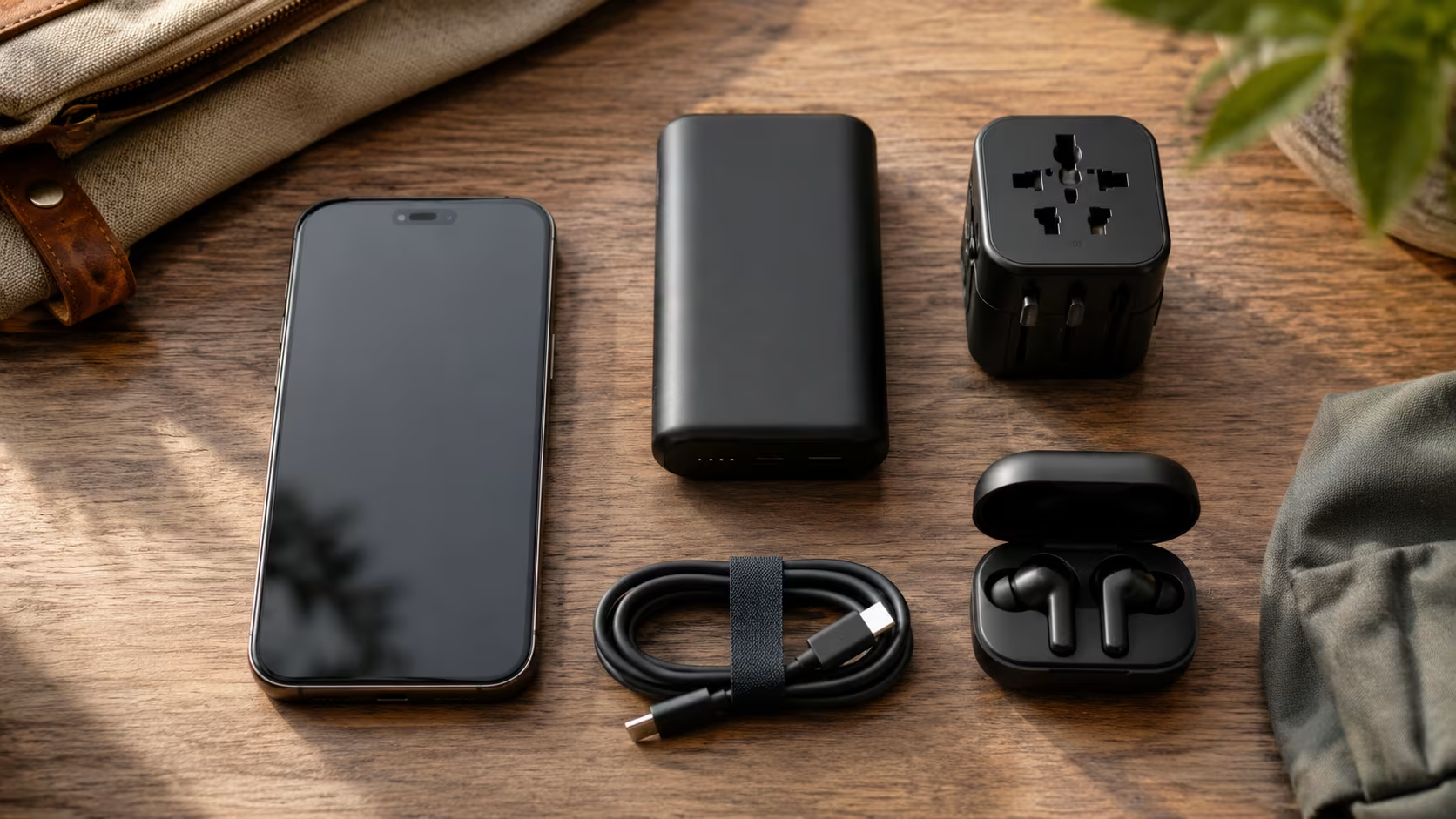
The travel-tech kit shifted more between 2020 and 2026 than in the previous fifteen years. Phones replaced ten dedicated devices. eSIMs replaced physical SIMs almost entirely for short trips. Universal travel adapters got smaller and integrated USB-C PD. AirTags and equivalents made bag-tracking standard. And many of the items that travel-blog articles still recommend (a portable Wi-Fi hotspot, a separate Kindle, a paper passport holder with a money clip) are quietly obsolete.
This is a 2026 guide to what actually deserves space in a carry-on, what to leave home, and the trade-offs at each decision point.
What Your Phone has Replaced
Before considering what to bring, audit what your phone now handles:
| Old device | Phone replacement |
|---|---|
| Camera | Phone camera (fine for almost everyone) |
| Map / GPS | Google Maps offline + Apple Maps |
| Travel guide | Wikitravel, Lonely Planet ebook, blog bookmarks |
| Translator | Google Translate offline + Apple Translate |
| Currency converter | XE app or built-in calculator |
| Phrasebook | Translate app voice mode |
| Notebook + pen | Notes app |
| Boarding pass | Wallet/Apple Wallet |
| Hotel key | Apple Wallet (some chains) |
| Calculator | Built-in |
| Watch (alarm + time) | Built-in |
| Flashlight | Built-in |
| Magnifying glass | Camera zoom |
| Compass | Built-in (iPhone) |
| Voice recorder | Built-in |
| Music player | Spotify/Apple Music |
| Podcasts | Built-in |
| Sleep timer | Built-in |
This isn't a recommendation to rely entirely on the phone. It's only to recognize that the dedicated equivalents of these are no longer essentials.
The 2026 Essential Tech Kit
1. Smartphone
The one indispensable item. Some specific notes:
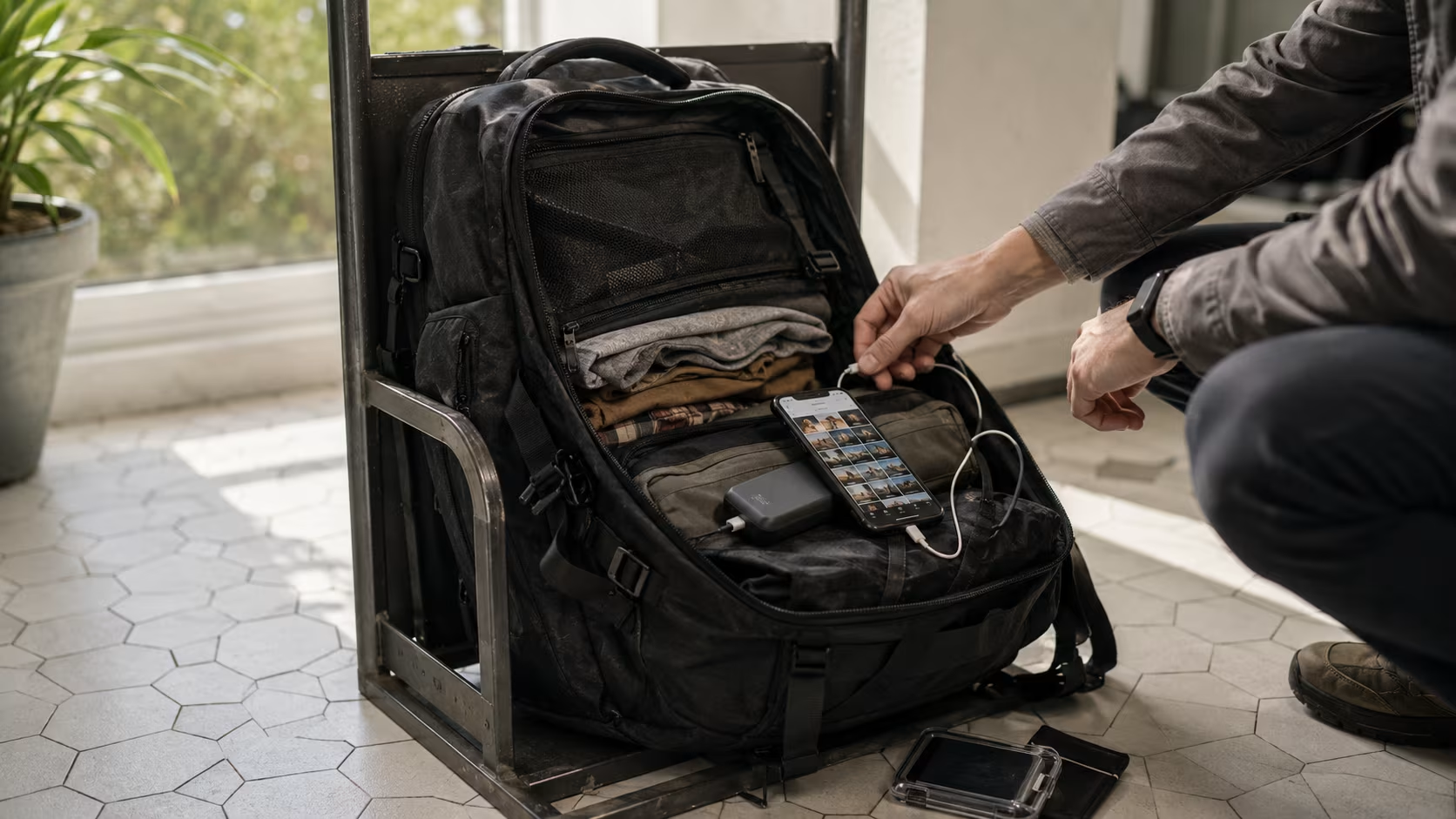
- Battery health. A 2-year-old phone with 75% battery health barely makes it through an airport day. Replace the battery before a long trip if needed (~$100 vs. a new phone).
- Storage. Long trips fill phones with photos. Either upgrade phone storage or ensure cloud backup works abroad (iCloud and Google Photos do).
- Screen protector + case. Drop probability roughly doubles on travel. A $20 case and a $10 screen protector save $400 on a phone replacement abroad.
- Find My / Find My Device turned on. AirTag-equivalent for the phone itself.
2. Power Bank
The second-most-essential item.
The Right Size
10,000–20,000 mAh.
- Below 10,000 mAh: insufficient for full day with phone + headphones.
- Above 20,000 mAh: increasingly bulky for marginal gain; some countries restrict above 20,000 mAh on aircraft.
Fast-Charging Support
USB-C PD (Power Delivery) is the standard. 20W minimum to charge a phone usefully fast; 30–45W for laptops.
Picks
Anker 537 (24,000 mAh), Anker Nano (10,000 mAh, smallest), Belkin BoostCharge.
Aircraft Rule
All lithium-ion power banks must travel in carry-on, not checked luggage. Most airlines allow up to 2 power banks of 100 Wh each (which is roughly 27,000 mAh). Above that requires airline approval.
3. Universal Travel Adapter (with Built-in USB-C PD)
Replaces the old adapter + multiple chargers tangle.
Key Features for 2026
- USB-C PD output (45W+) so it can charge a laptop directly.
- 2–4 USB-C and USB-A outputs total.
- Plug types for Type A (US/Asia), Type C (EU), Type G (UK/Singapore), Type I (AU/NZ/China).
Picks
OneAdaptr OneWorld 65, Anker 312 PowerExtend, Apple's official 35W combination charger (US-only plug, requires separate adapter for international).
Old Advice That's Stale
Carrying separate adapters for each country. A single universal does it.
4. eSIM (replaces Physical SIM for Most Trips)
The most consequential travel-tech shift of the past 5 years.
Why eSIM Wins
- Activate before you arrive (no airport SIM-counter time).
- No physical card to lose.
- Multi-country plans available.
- Phone keeps your home number active alongside.
Picks
- Airalo. The largest selection. Country-specific plans + regional + global. ~$10 for 5–15 GB on most plans.
- Holafly. Unlimited data on most plans. More expensive ($30–60 for 7 days) but no data caps.
- Ubigi. Strong in Asia and Europe. Direct-to-device.
- Saily (NordVPN). Newer, competitive pricing.
Setup Before You Fly
Install the app, buy the plan, save the activation QR code or the in-app activation. Activate when you land.
When Physical SIM Still Wins
- Long stays (3+ months) where local carrier prepaid plans are cheaper.
- Older phones without eSIM support (most pre-2022 Android, pre-iPhone XS).
- Some countries have weak eSIM coverage (parts of Africa).
5. Headphones (wired Backup + Wireless Primary)
The one redundancy worth carrying.
Wireless (primary)
Apple AirPods Pro 2/3, Sony WF-1000XM5, Bose QuietComfort Ultra. Active noise cancellation makes a serious difference on flights. Charging case lasts a full international trip.
Wired (backup)
A $5 cheap pair plus a USB-C-to-3.5mm dongle if your phone doesn't have a 3.5mm jack.
Why both: wireless headphones drop or run out of battery; a dongle + cheap wired pair lets you watch a movie if it happens. Also, in-flight entertainment systems still use wired connections, so a $20 Bluetooth-to-3.5mm transmitter (like Twelve South AirFly) plays in-flight audio through wireless headphones.
6. Laptop or Tablet (if You're Working)
- Laptop for serious remote work, photo editing, anything requiring a full keyboard for hours.
- Tablet for reading, casual browsing, light work. iPad with a keyboard case bridges the gap.
- Phone-only for vacation travelers, increasingly viable.
For a 4-day vacation, leaving the laptop is usually right. For a 2-week trip with any work, the laptop is justified.
7. Camera (optional)
For most travelers, the phone camera is enough. Real cameras are worth packing only if:
- You'll do serious wildlife or low-light photography.
- You already shoot regularly and care about image quality.
- You want optical zoom beyond what the phone offers.
Picks for serious-but-portable: Sony A7C II (full-frame mirrorless, ~700g), Fuji X100VI (fixed-lens, distinctive look), Ricoh GR III (compact, sharp).
For vacation travelers with no photography hobby: skip. The phone is enough.
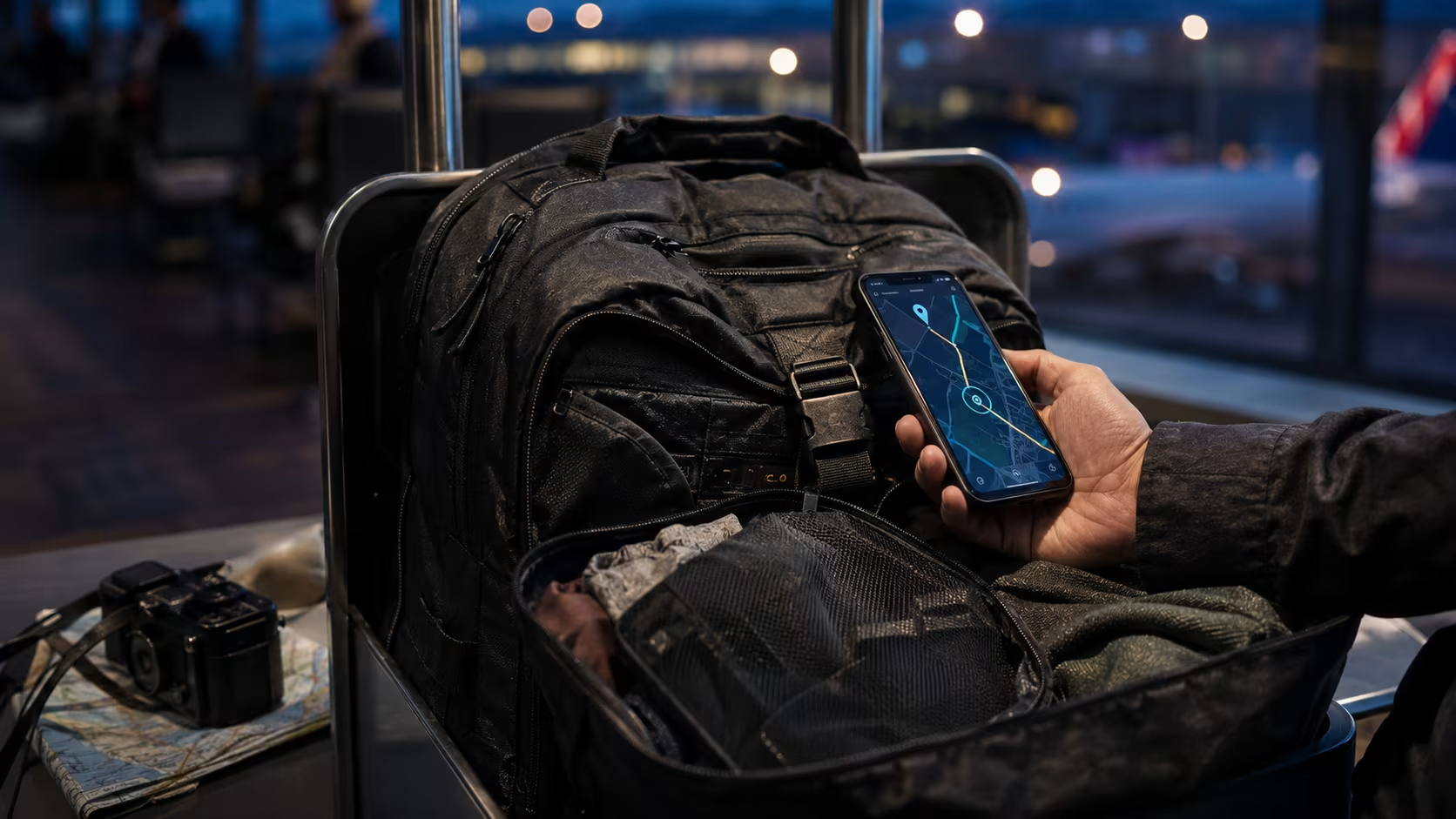
8. Bag Tracker (AirTag Equivalent)
Drop one in checked luggage; another in your day bag.
- AirTag. $29 each. iPhone-only ecosystem.
- Tile. Cross-platform.
- Samsung SmartTag. Android-favored.
- Chipolo. Cross-platform alternative.
Lost-luggage recovery has improved dramatically since AirTags became common: airlines no longer can claim a bag is "in transit" when the tag clearly shows it's at a different airport.
9. Cables and Accessories (the Right Few)
- One USB-C to USB-C cable (60W+ rated, for laptop charging).
- One USB-C to Lightning cable if you have older Apple devices.
- One short USB-C to USB-C cable for phone-to-power-bank tethering on the go.
Three cables are enough. The pile of 8 random cables most travelers pack is dead weight.
What to Skip in 2026
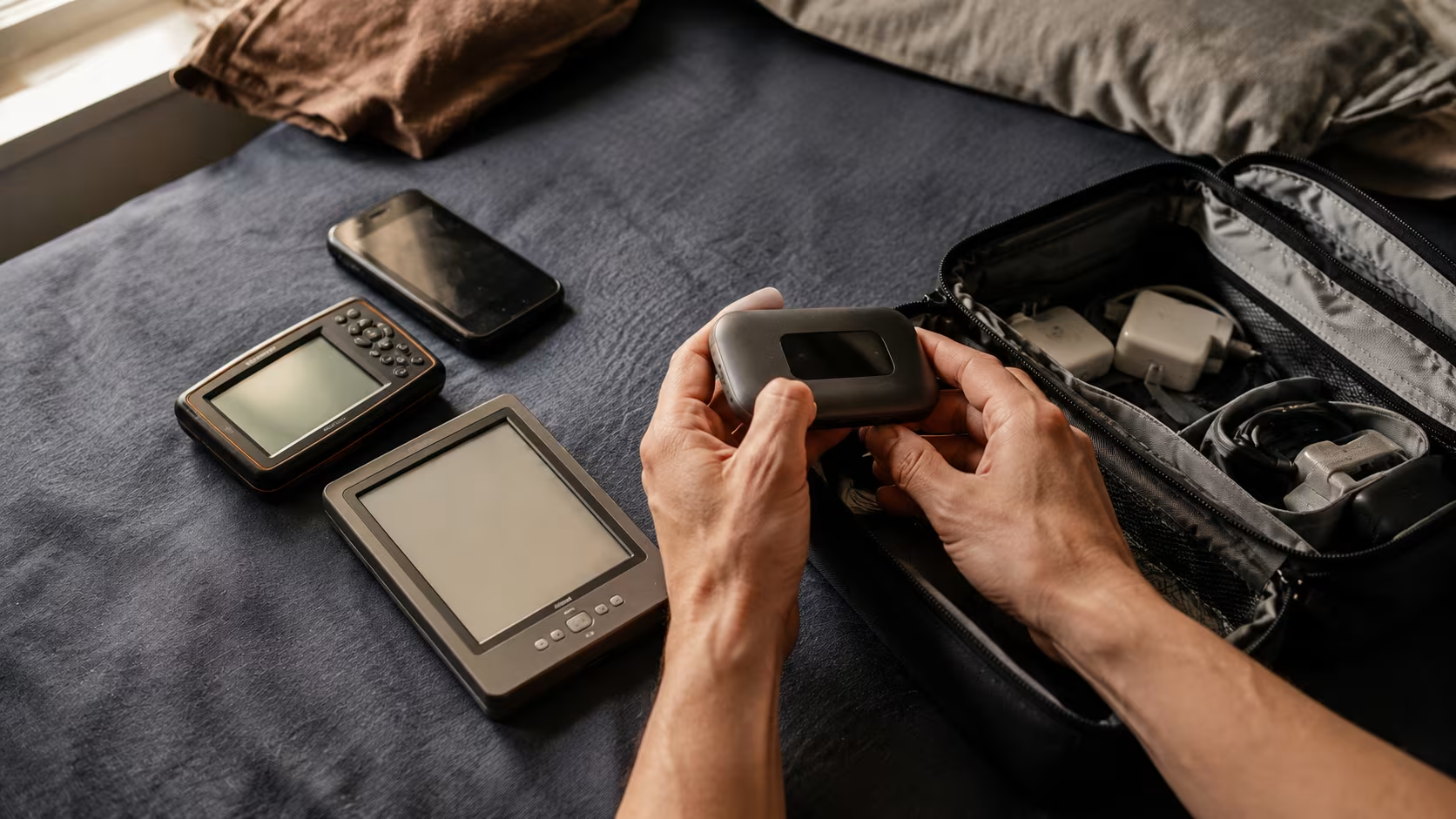
Portable Wi-Fi Hotspot Devices
Obsolete. eSIM with mobile hotspot enabled does the same job from your phone. The hotspot devices were a 2015–2020 solution to a 2026 problem that no longer exists.
Dedicated GPS Device
Obsolete unless you're doing wilderness backcountry beyond cell coverage. Google Maps offline maps work in 99% of travel scenarios.
Dedicated E-reader
Nice-to-have but not essential. Kindle and Kobo apps work fine on phones and tablets. The Kindle's value is reading in bright sunlight (e-ink doesn't reflect) and 4-week battery life. If you read for hours daily, justified; otherwise the phone-app version is fine.
Voltage Converter
Rarely needed in 2026. Modern laptop chargers and phone bricks are universal voltage (100–240V). Check the fine print on the brick: "Input: 100-240V" means you only need a plug-shape adapter, not a voltage converter. Voltage converters are bulky, heavy, and now mostly unnecessary.
Dedicated Camera Memory Cards (for non-photographers)
If the only camera is your phone, no memory cards needed.
Travel Wallet with Multiple Compartments
A standard wallet plus a separate hidden cash/passport pocket in your bag is more functional than the bulky travel wallets of 2010s travel-blog recommendations.
USB Stick for Boarding Passes
Obsolete. Apple Wallet / Google Wallet hold boarding passes natively.
Dedicated Translator Device (Pocket-Talk, Etc.)
Obsolete. Google Translate offline mode + voice mode = same function on a device you already own.
eSIM Vs. Physical SIM: the Detailed Comparison
| Factor | eSIM | Physical SIM |
|---|---|---|
| Setup time | 5 min before flight | 10–60 min at airport on arrival |
| Cost | $5–60 for a week of travel | $5–30 for local SIM |
| Long-term value | Less competitive (capped data) | Better for 3+ months |
| Phone number | Keep home number active | Get local number (sometimes useful) |
| Phone compatibility | iPhone XS+, modern Android | Universal |
| Switching countries | Switch app plans | Buy new SIM each border |
| Lost / damaged | Software-only, no risk | Risk of loss |
Recommendation for Most Travelers
eSIM via Airalo, Holafly, or Ubigi for trips under 30 days. Physical SIM for longer stays.
Power Adapter Strategy
Single Universal Adapter Approach
One universal adapter with built-in USB-C PD covers everything. Less reliable in mass-charging scenarios (only the universal's outputs work).
Adapter + Multi-Port USB-C Charger Approach
A cheap shape-only adapter (~$10) plus a 4-port USB-C PD charger (~$50). More flexible. Charges a laptop + phone + headphones + power bank simultaneously off one wall outlet.
The 2026 Adapter Selection
- Type A (US, Canada, Mexico, Japan, Thailand)
- Type C (most of Europe)
- Type G (UK, Singapore, Hong Kong, Malaysia)
- Type I (Australia, NZ, Argentina, China)
All four covered by one universal.
Backups and Redundancies
What's Worth Backing up
- Passport photo in cloud storage (iCloud, Google Drive). Recoverable from any device if passport is lost.
- Travel insurance policy number + 24-hour assistance phone in phone notes.
- Embassy contact in phone notes.
- Hotel addresses + booking confirmations in email or screenshots.
- Credit card numbers (last 4 digits) and bank phone numbers.
- Important phone numbers (doctor, family, work) accessible without unlocking phone.
Save to a free Google account or iCloud account that you can access from any borrowed device.
What's Worth Carrying Twice
- Two payment cards in different bags.
- Two charging cables (so one lost cable doesn't strand a device).
- Two pairs of headphones (wireless + cheap wired).
- Photocopy of passport + original passport.
Carry-On Vs. Checked Luggage
All lithium-ion batteries (power banks, laptops, vapes, e-cigarettes) must travel in carry-on by international aviation rules. They cannot go in checked luggage.
Other rules:
- Power banks under 100 Wh: unrestricted in carry-on.
- Power banks 100–160 Wh: require airline approval.
- Power banks above 160 Wh: prohibited in passenger aircraft.
Most consumer power banks are 50–80 Wh; this rule is mostly relevant only for professional camera-team batteries.
Phone Setup Before You Fly
- Install offline Google Maps for your destination cities.
- Install offline Google Translate (or Apple Translate) for the destination language.
- Activate eSIM if applicable.
- Add boarding passes to Wallet.
- Save hotel addresses to favorites in Maps.
- Add hotel + tour bookings to calendar.
- Note: turn off automatic app updates over cellular before traveling.
- Backup phone before leaving (so a lost phone is recoverable).
- Check that Find My / Find My Device is on.
- Set up a 3-digit PIN backup for the lockscreen in case face/fingerprint fails.
Common 2026 Tech Mistakes
- Buying a SIM at the airport when an eSIM would have been cheaper. Airport SIM counters charge significantly more than online eSIM providers for similar plans.
- Forgetting power bank in checked luggage. Some airlines confiscate at the gate; some make you remove it from checked bags.
- Underestimating laptop charger power. 65W laptop chargers are not interchangeable with 30W adapters; the laptop charges slower or not at all.
- Not testing tech before traveling. Power bank works at home, then dies on day 2 when you actually need it.
- Carrying old phones "as backup." Almost always dead weight; the SIM and Apple ID confusion of activating a backup phone abroad is more friction than the marginal benefit.
- Using public airport USB ports for phone charging. "Juice jacking" is real. Use your own power bank or a wall outlet with your own adapter.
- Not setting up offline maps before flying. "I'll just download them when I land" doesn't work when you have no SIM and the airport Wi-Fi is rate-limited.
Final Notes
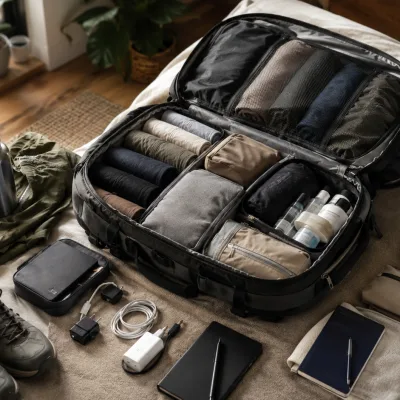
The 2026 travel-tech kit is leaner than the 2018 version. A phone, a power bank, a single universal adapter, an eSIM, two cables, and a bag tracker handle 95% of what 10 devices used to do.
The bigger shift is mental for most travelers, the phone is genuinely sufficient. The temptation to bring a camera, a tablet, a Kindle, a separate hotspot, and a portable speaker exists mostly because we used to need them. We don't anymore.
The single best piece of advice pack what you actually use weekly at home. Travel is not the time to discover that you'll finally use the camera you haven't touched in a year. The kit you'll actually pull out every day is the kit worth packing.


0 Comments
No comments yet — start the conversation.